Is your school ready for the Age of Artificial Intelligence?
Take the technology leap today.
PIXLAB Class gives teachers superpowers, gives institutions knowledge and data, and gives every student a personal tutor.

One artificial intelligence for teachers, institutions, and students
See how PIXLAB Class supports the teacher in the classroom, turns every class into knowledge for the institution, and brings that learning to each student.
One cycle, three tools, one intelligence.
Today, almost everything explained in a classroom disappears when the bell rings. PIXLAB Class captures it, transforms it, and gives it back to the people who need it most.
The teacher teaches, the class is transformed, and the student learns. Then the teacher sees what worked.
-
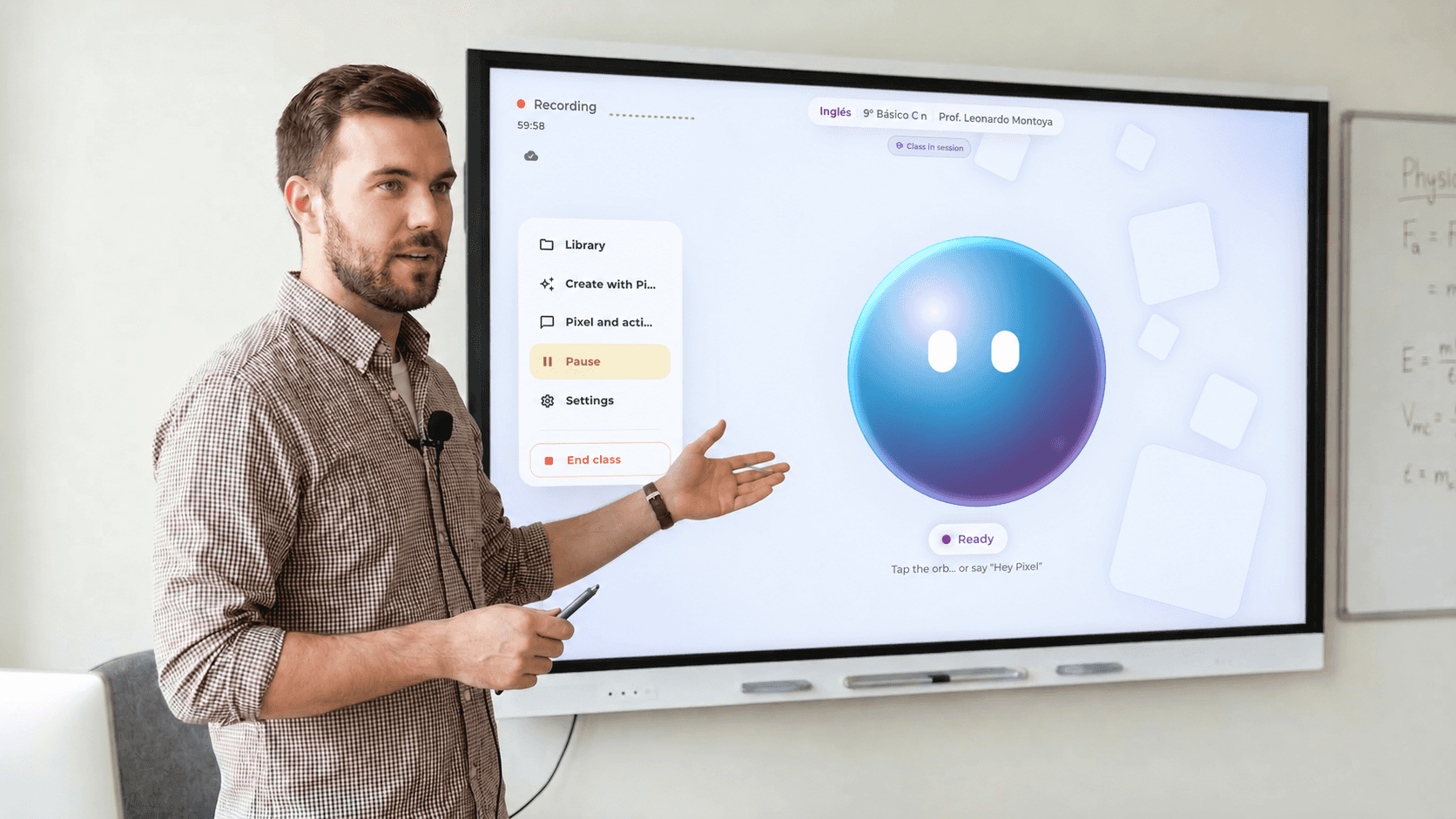
PIXLAB Live listening to the class and transcribing: “…chlorophyll absorbs light…”. PIXLAB Live
In the classroom
Teachers teach the way they always have, with an AI copilot that responds to their voice.
Meet PIXLAB Live -
PIXLAB Class Web: the class “Photosynthesis” (today, 55 min) is already transcribed and summarized, with a guide, podcast, infographic and quiz made by Pixel.  Web
Web After class
Every session becomes institutional knowledge, study materials, and feedback for the teacher.
Meet Class Web -
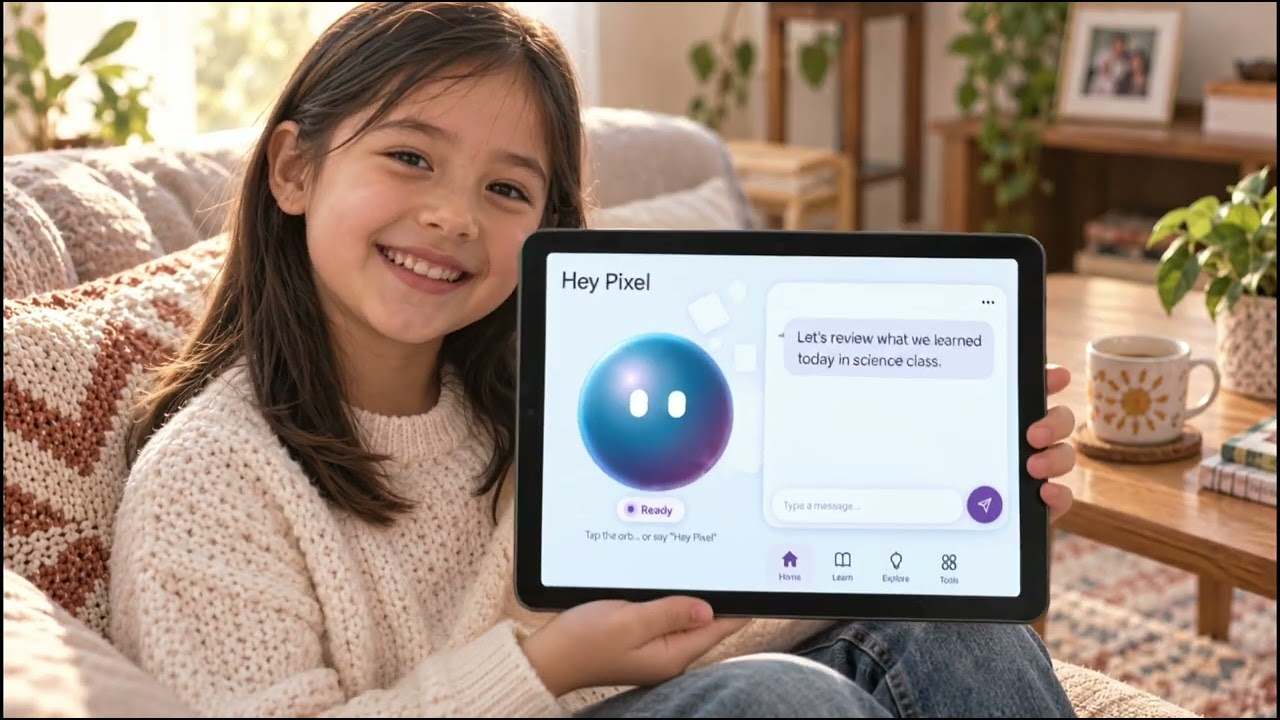
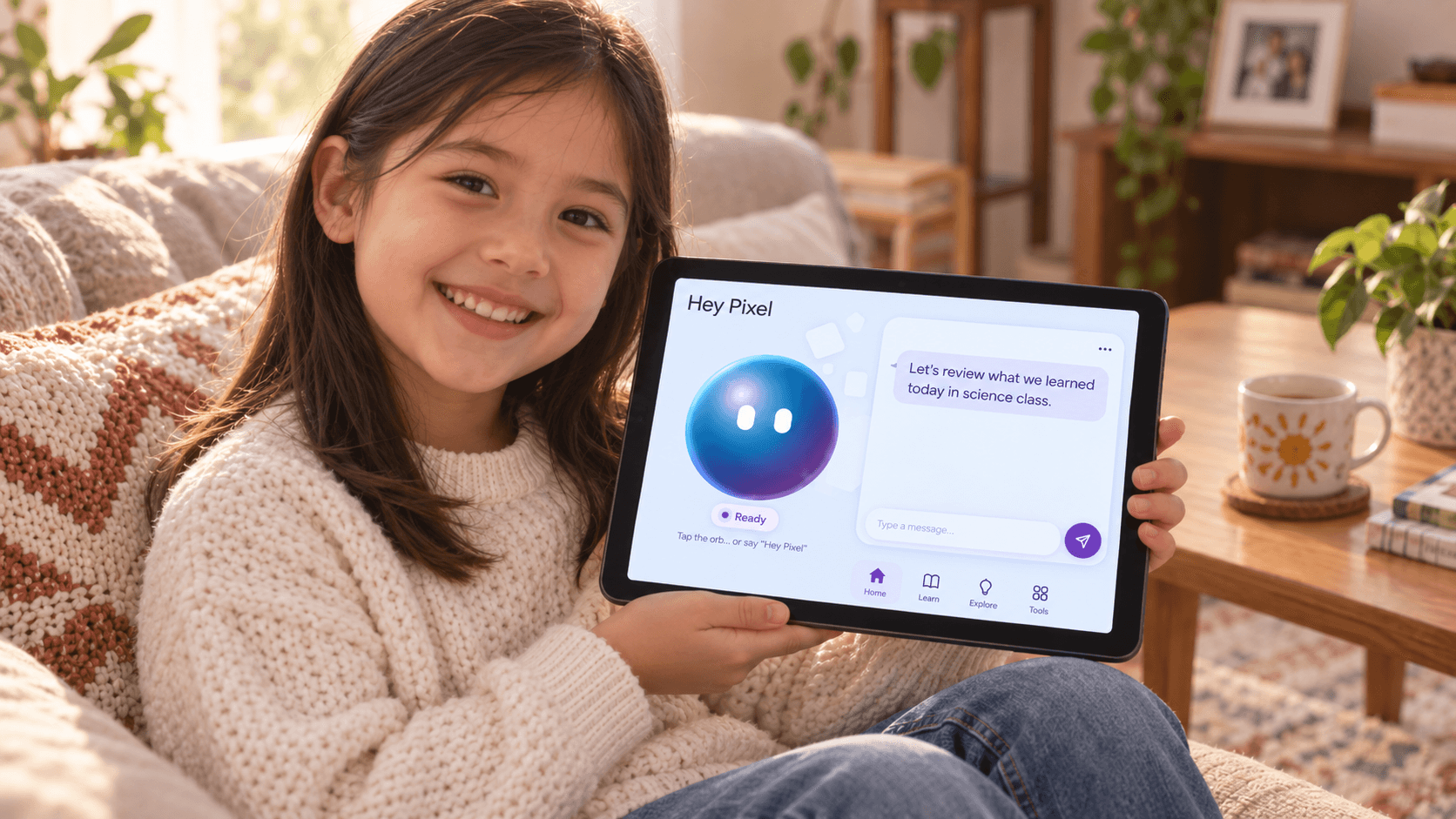
Pixel Tutor: a student asks “I don’t get why leaves are green.” and Pixel gets ready to answer. 
With the student
A tutor that guides with questions, based on what their teacher explained.
Meet Pixel Tutor
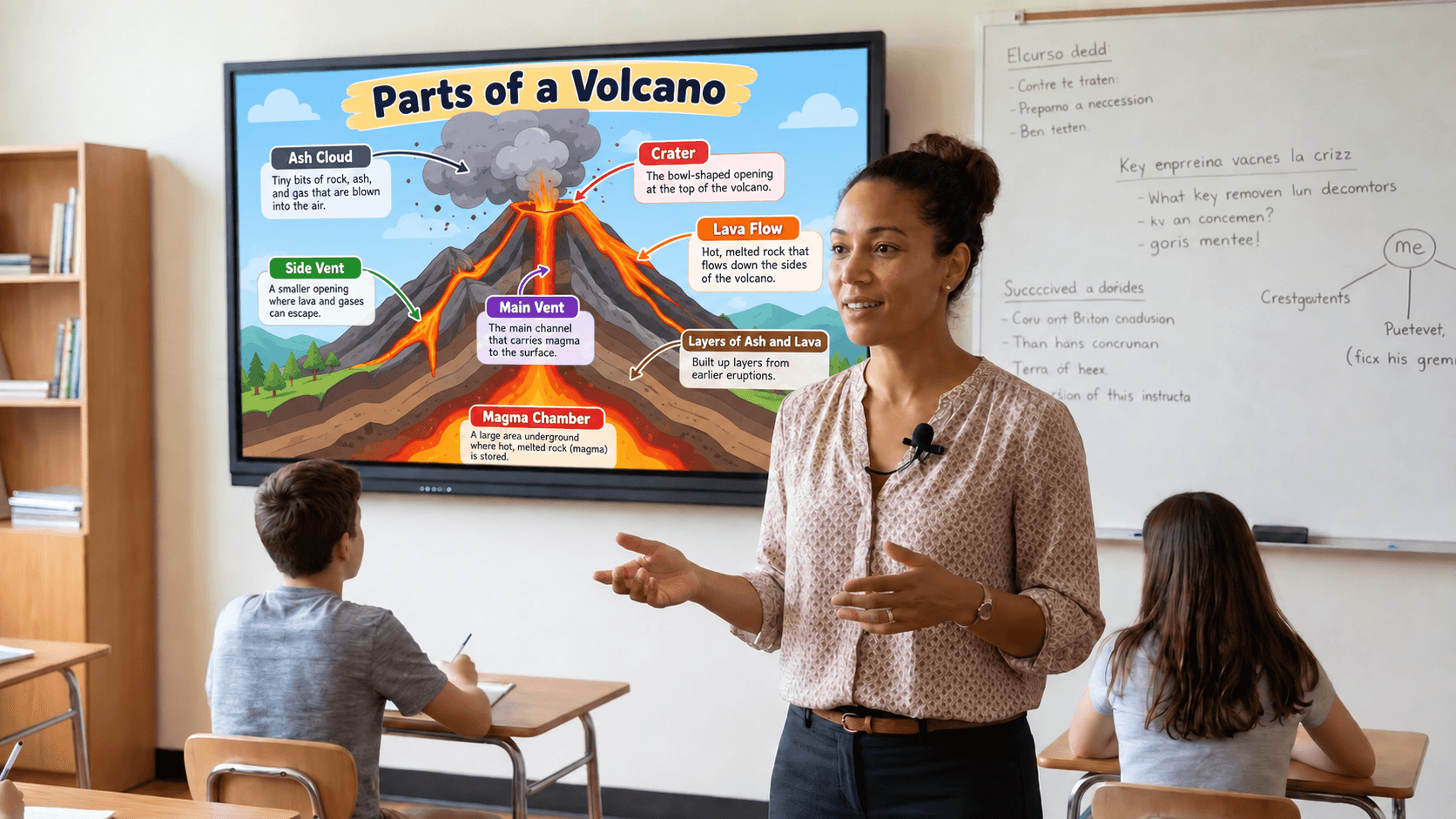
The teacher teaches, the class is transformed, and the student learns. Then the teacher sees what worked.
You teach the way you always have. Now with superpowers.
PIXLAB Live is your tool during class: ask for what you need with your voice, and it appears instantly on the classroom screen or projector.





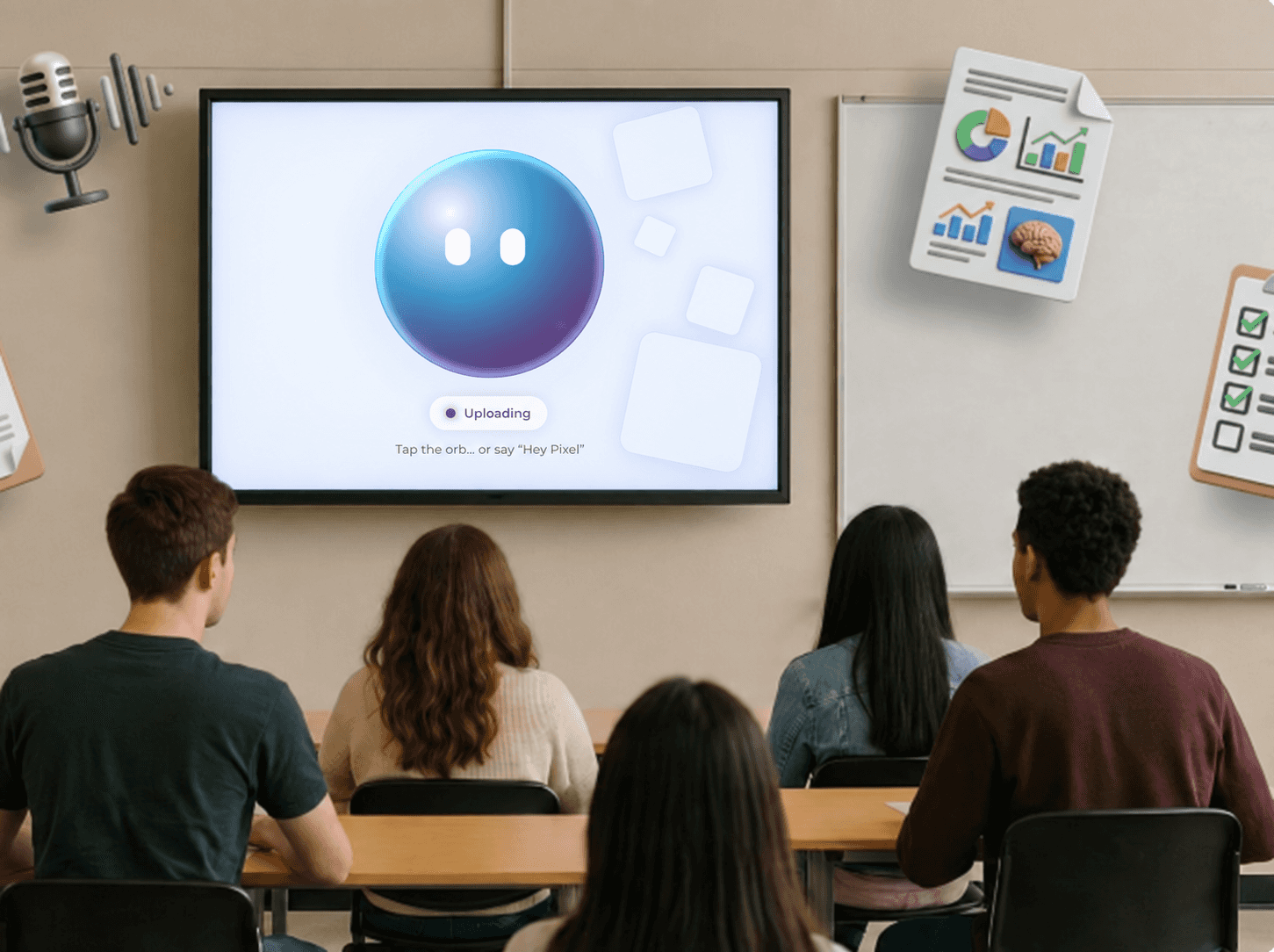
- Voice copilot Ask for an image, a 3D model, a video, a simulation, or an explanation without stopping the class.
- Over a million resources A library of 3D objects, images, and educational content, ready in an instant.
- Pixel, always attentive Pixel’s orb reacts on screen so you know the AI is listening and working.
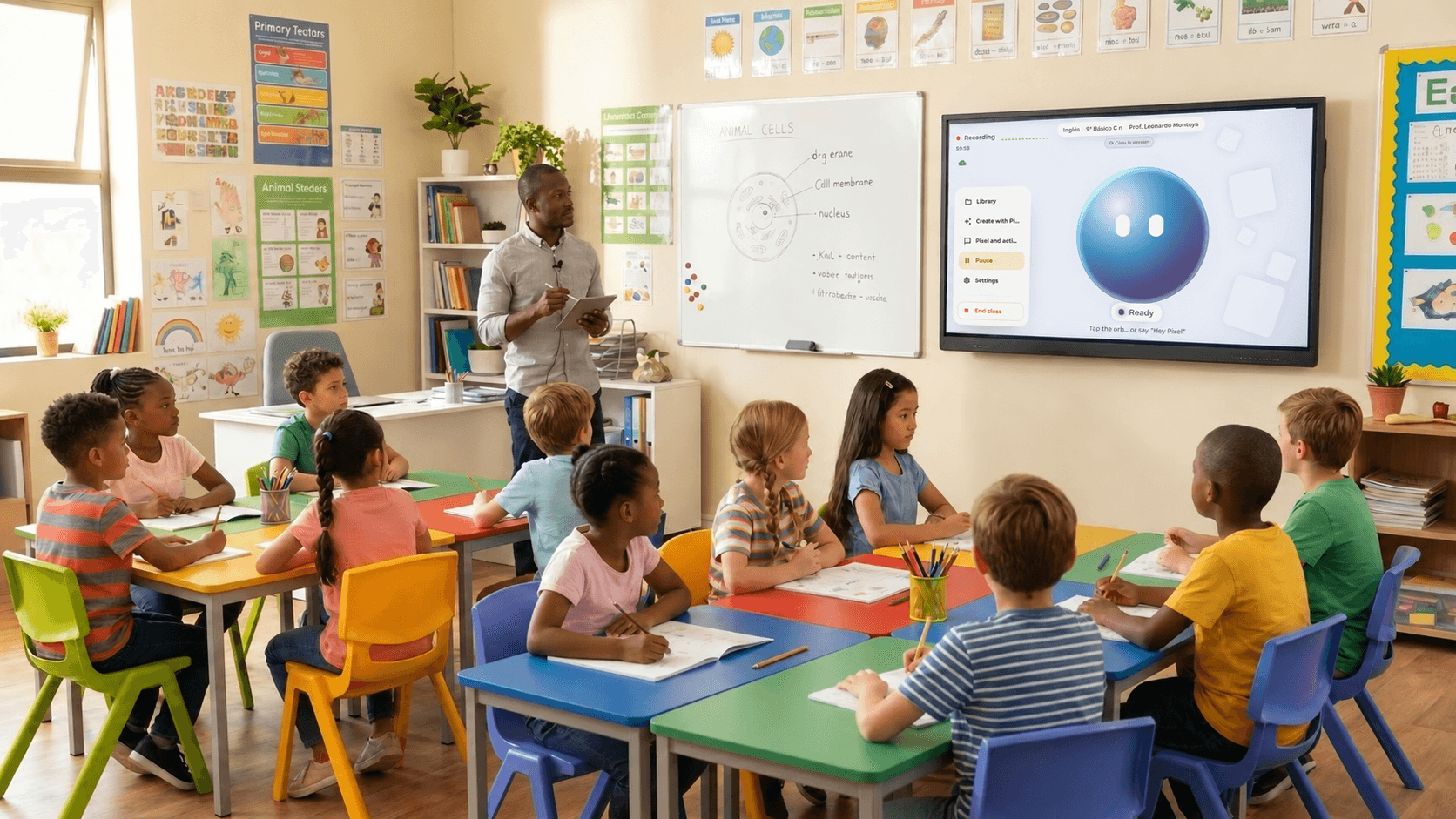
- Every class on record While you teach, PIXLAB Live captures the session so no explanation is lost.
If you can talk, you can use PIXLAB Live.
What you need: a microphone, a control tablet or computer, and the screen or projector you already have.
The knowledge in your classrooms, turned into an asset for your institution.
Every class taught at your institution has value, but it is almost always lost when the lesson ends. In PIXLAB Class Web, every session is transcribed, summarized, and organized, ready to be reused year after year, by any teacher and in any group.

- An asset that grows with every class Every session adds to your institution’s knowledge base. When a teacher changes groups or leaves the institution, what they taught stays available for those who come next.
- Transform and reuse Turn any class into study guides, podcasts, infographics, and quizzes. A good explanation gets used again and again, in the format each student needs.
- Plan without the stress Design anything from a single lesson to a full-year plan in minutes, with methodologies like gamification, project-based learning, and collaborative learning.
Your teachers teach every day. Your institution, at last, keeps it.
Feedback that improves teaching.
When each class ends, PIXLAB Class Web gives the teacher 10 pedagogical indicators, such as teacher talk time, pace, language use, tone, and participation, along with one concrete recommendation for their next class. Clear evidence to grow at their own pace.
Feedback based on evidence, not opinions.
A tutor that doesn’t give answers. It teaches how to find them.
Pixel Tutor supports each student outside the classroom with the Socratic method: it doesn’t do the homework for them, it asks the right questions until they reach the answer. And it works from their teacher’s real class, not generic information from the internet.
-
Connected to their class. Pixel Tutor learns from their own teacher’s sessions.
-
Think it through, don’t copy. It guides with questions to build reasoning, not dependence.
-
Available when they need it. To review, prepare for an exam, or understand what wasn’t clear.
-
The teacher stays in charge. Pixel Tutor only uses the course’s classes and materials, and says which class each answer comes from.
Other AI tutors know about everything. Pixel Tutor knows what your teacher explained today.
Designed for innovative institutions.
Built on trust: data for decisions, without turning the classroom into a place under surveillance.

-
Institution-wide view
Indicators by teacher, subject area, and period so academic leadership can support professional development with evidence.
-
Support, not surveillance
Reports are designed for the teacher’s growth, not to penalize them.
-
Your data belongs to your institution
Classes are processed for educational purposes only, with access limited to authenticated users of your institution. Your data is never sold or shared.
-
Student protection
Student data is anonymized. Pixel Tutor supports learning without exposing anyone’s identity.
Why not just a chatbot?
A chatbot answers questions. PIXLAB Class understands your classroom.
A generic chatbot
- You have to type your questions and copy in information
- Doesn’t know what was taught in your classroom
- Gives students the answers
- Doesn’t help you improve how you teach
- Built for individual use
- Captures the class automatically, by voice alone A chatbot: You have to type your questions and copy in information PIXLAB Live
- Turns every class into reusable knowledge for your institution A chatbot: Doesn’t know what was taught in your classroom Class Web
- Pixel Tutor guides with questions, based on their class A chatbot: Gives students the answers Pixel Tutor
- Generates 10 pedagogical indicators per session A chatbot: Doesn’t help you improve how you teach Class Web
- Designed for teachers, students, and school leaders A chatbot: Built for individual use PIXLAB Class
Take your classroom one step further: into the immersive lab.
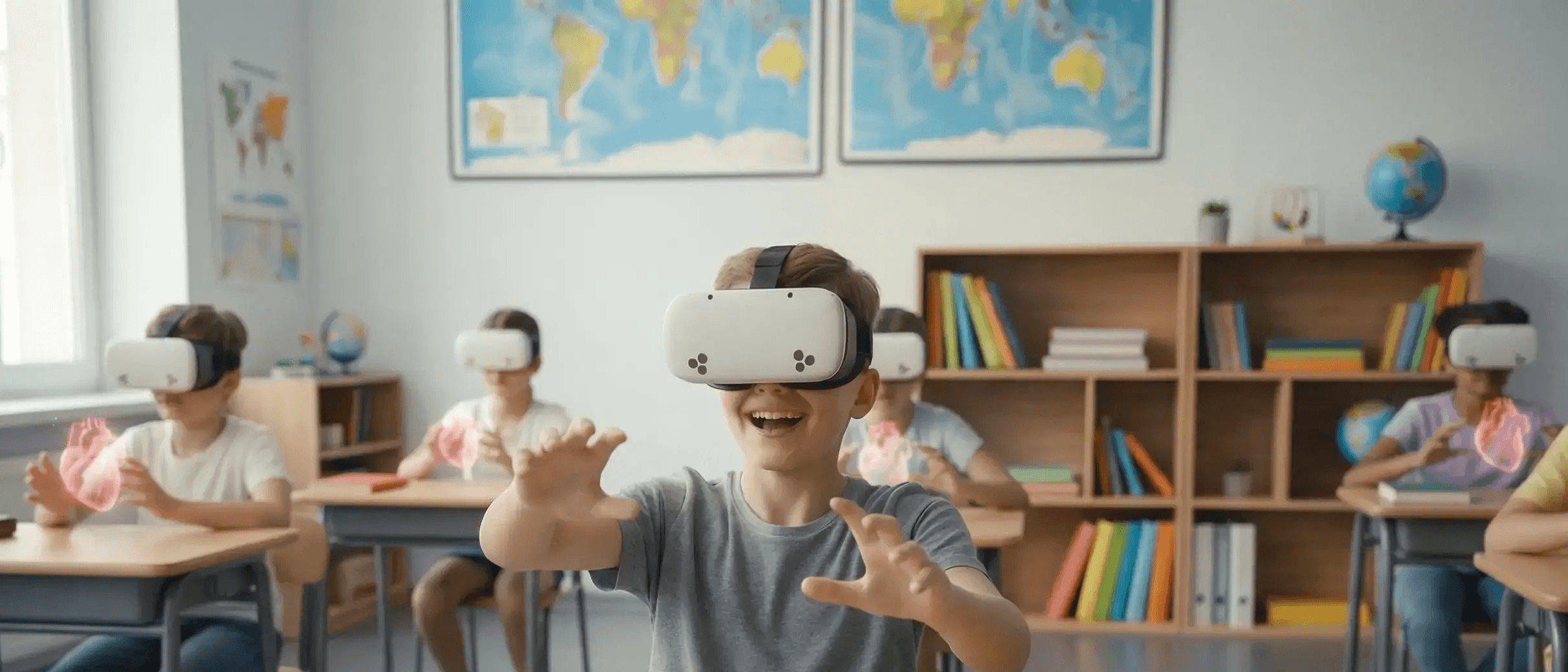
PIXLAB 3D turns any classroom into a mixed-reality lab. Your students explore the human body with their own hands, travel to Mars, or walk through ancient Rome, guided by AI.

From the demo to your first smart classroom
-
1. Guided demo
A one-hour session to see the whole ecosystem in action.
-
2. Implementation design
Together we define classrooms, teachers, equipment, and goals.
-
3. Training
Your team learns to teach with PIXLAB Class from day one.
-
4. Ongoing guidance
We review your indicators with you and provide continuous support.
Plans are tailored to the number of classrooms and teachers, and to the equipment your institution already has.
Book a demoFrequently asked questions
Everything you need to know before taking the leap.
What exactly is PIXLAB Class?
An ecosystem of three connected tools: PIXLAB Live (in the classroom), PIXLAB Class Web (the teacher’s operations hub), and Pixel Tutor (the student’s Socratic tutor).
Is it complicated for teachers who aren’t tech-savvy?
No. In the classroom everything works by voice: the teacher teaches as usual and the AI works in the background. Implementation includes training for the whole team.
Do we need to buy new computers?
No. PIXLAB Class works with the screens or projectors you already have. All you need is a microphone, a control tablet or computer, and an internet connection. If you need it, we can also provide the hardware.
How does teacher feedback work?
When each class ends, the AI analyzes the session and gives the teacher 10 pedagogical indicators and one recommendation. The goal is constructive feedback and professional development, not surveillance.
What happens to the classes when a teacher leaves?
They stay. Everything taught remains in PIXLAB Class Web as part of the institution’s knowledge, ready to be reused with new teachers and groups.
Does Pixel Tutor give students the answers?
No. Pixel Tutor uses the Socratic method: it guides with questions so students reason their way to the answer themselves, always building on what they saw in class.
Is student data protected?
Yes. All student data is anonymized.
What about the privacy of classes?
Classes are processed for educational purposes only, with access limited to authenticated users of your institution. We never sell or share data.
Does AI replace the teacher?
Never. PIXLAB Class takes away the repetitive work (summaries, materials, planning) so teachers can focus on what no one can replace: inspiring, guiding, and connecting with their students.
Which languages does it work in?
Spanish and English, even in classes that mix both languages.
Your next class could be the first in a smart classroom.
Book a demo and see how PIXLAB Class transforms teaching, learning, and academic management at your institution.
All set!
Our team will contact you within 48 hours to schedule your demo.